
Logging in
You reach the dashboard at www.jollymonitor.com, in any modern web browser. If you open a page while signed out, you are sent to the sign-in screen first.
The login screen
Section titled “The login screen”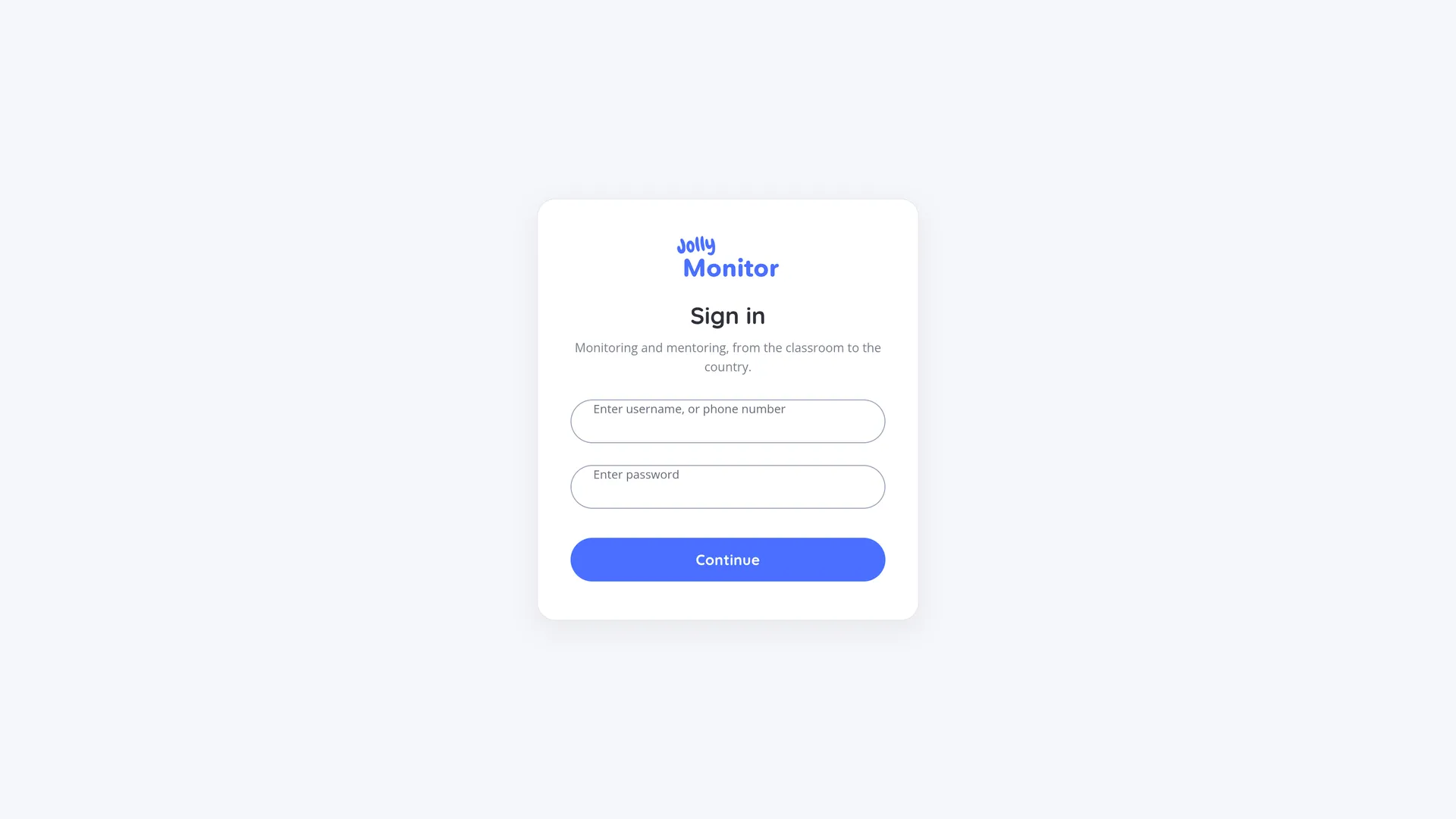
The screen is headed Sign in and shows a single form with two fields:
- Enter username, or phone number: type either your username, usually your email, or your registered phone number.
- Enter password
Then press Continue.
If sign-in fails
Section titled “If sign-in fails”- Wrong details: the message does not say which of the two was wrong, on purpose. Check both for typos.
- Account temporarily locked: five failed attempts in a row lock the account for fifteen minutes as a security measure. Wait for the lockout to pass and try again.
Where you land
Section titled “Where you land”After signing in, the dashboard takes you to the highest level you have access to:
| Your role | You land on |
|---|---|
| Administrator | Your organisation’s overview |
| Manager whose projects are all in one country | That country’s dashboard |
| Any other manager | Your organisation’s overview |
| Country official | Your country’s dashboard |
| Project staff | Your project |
| Region official | Your project |
Teachers have no dashboard: their app is a separate thing, and a teacher account signing in here does not get a dashboard view.
Managers also get the scope selector in the header bar, which moves them between the organisation, its countries and its projects. Other roles work within their own scope and move through the pages themselves (a country official reaches a project through the country’s regions and projects, for example). See Finding your way around.
Signing out
Section titled “Signing out”The Logout button is in the top right of every page, next to your name. Use it on shared computers when you are finished.
Next: Finding your way around