
The settings menu
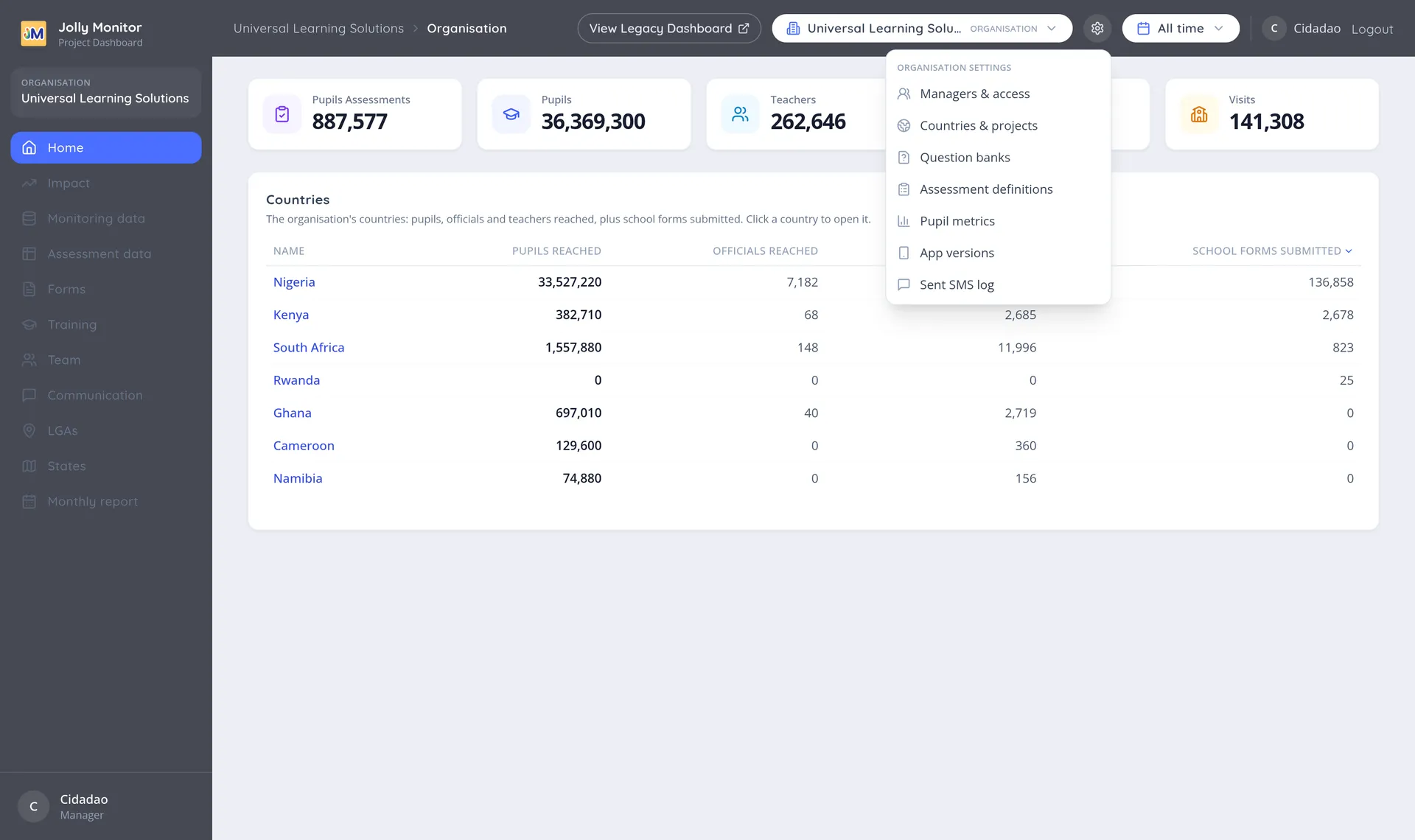
Setup does not live in the sidebar. It lives behind the settings icon (the gear) in the header bar, and what it contains changes with where you are: the organisation, a country, or a project.
Who sees the gear
Section titled “Who sees the gear”- At organisation level it appears for administrators only.
- At country and project level it appears for senior managers and administrators.
If your role is not high enough the gear does not appear. Typing a setup page’s address directly does not help: the page either refuses to load or, where it opens (another manager opening the org pages), every change is refused with “This action requires an administrator”.
At organisation level
Section titled “At organisation level”| Entry | What it is for |
|---|---|
| Managers & access | The manager accounts, their permissions and their projects. See Managers |
| Countries & projects | The countries, their labels, and the projects inside them. See Countries and projects |
| Question banks | The pool of monitoring questions. See Question banks |
| Assessment definitions | The pupil assessments and their sections. See Assessment definitions |
| Pupil metrics | The class sizes behind the pupils reached figures |
| App versions | The mobile app builds and rollouts. See App versions |
| Sent SMS log | The record of messages sent |
At country level
Section titled “At country level”| Entry | What it is for |
|---|---|
| Terms | The school terms, which drive the period selector. See Country configuration |
| Metrics | The country’s metrics and their targets. See Creating and editing a metric |
| Projects | The country’s projects and their class sizes |
| Country officials | The officials who work across the whole country. See Country configuration |
| Monitoring forms | The form specifications used to collect data. See Monitoring forms |
| Deduplication | Finding and merging duplicate records. See Deduplication overview |
At project level
Section titled “At project level”| Entry | What it is for |
|---|---|
| Project staff | The project’s team. See Project Staff |
| Districts | The project’s districts |
| Metrics setup | Which of the country’s metrics this project tracks |
| School visit forms | The project’s own forms and which is the default |
| Teacher import | Bringing in a list of teachers at once. See Teacher import |
| Deduplication | The project’s duplicate candidates |
| Impact configuration | What appears on the project’s Impact page (administrators only) |
Next: Monitoring forms